

How do I filter imported contacts?
Once your contacts are being imported into Puzzel QA via an integration, custom filters enable you to quickly access any types of contact based on operational teams and/or by the meta-data that is associated with them using the custom fields that are present in your CRM or other contact management system.
To filter imported contacts, you will need to:
1. Go to CONVERSATIONS
2. Click Imported contacts & filters
Using the metadata fields associated with the contacts, you can create custom filters to quickly access sets of contacts to view and evaluate.
Creating custom filters is particularly beneficial in displaying those contacts/contact types that you want to prioritise for QA in any part of your organisation.
- You will see the option to create new filter, where the fields of the metadata associated with the filters will be visible.
- Use any combination of the imported fields to build powerful filters and narrow down the list of imported contacts.
- Then you can save the filter and add a name for it.
- It will become available within the list of filters for you to use.
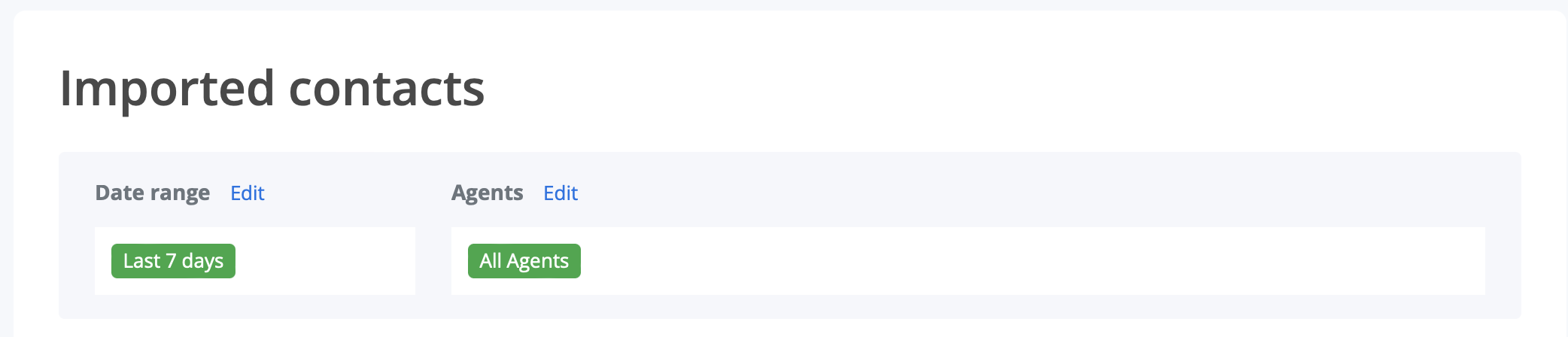
- You can then use it in combination with date ranges and/or groups by clicking the"Edit" buttons next to Date Range and/or Agents.
It is also possible to use custom filters together with the Work Queue feature, which allows the automated assignment of contacts through your evaluators based on the filters you've created.