

Wallboard
The New Real-time pages (incl. new Wallboard) with refreshed design will be rolled out to customers in December 2025 and January 2026 as announced in Release notes 25 November 2025.
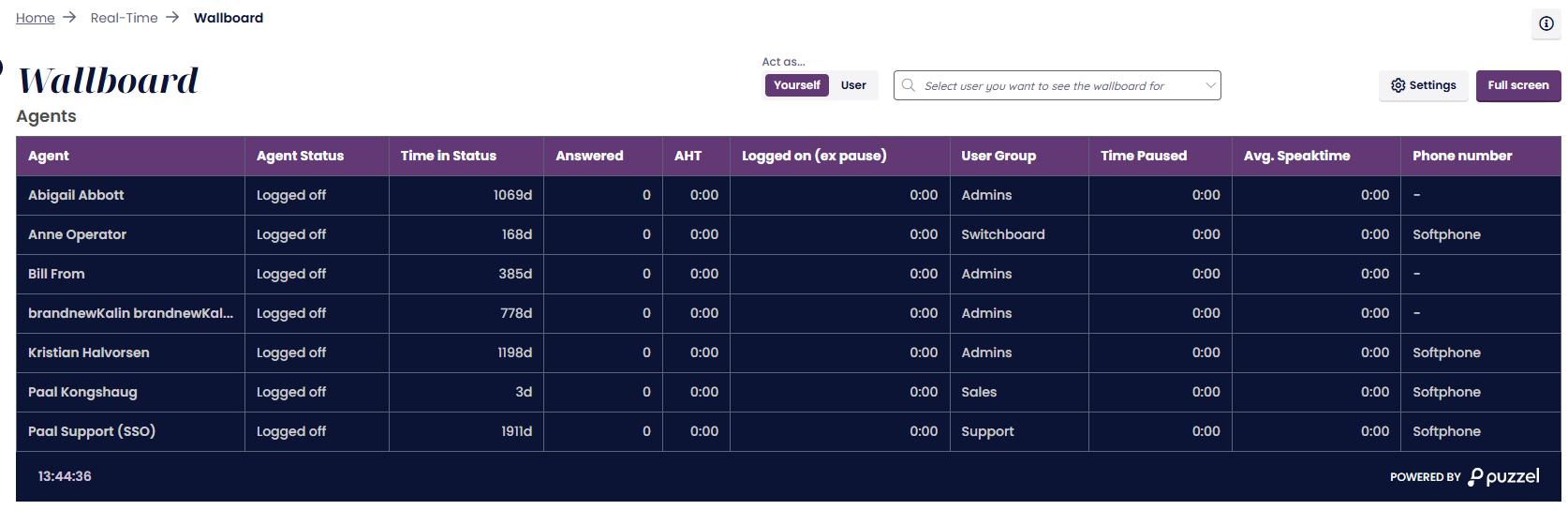
If you for some reason have issues with the new Wallboard when you get access, the old Wallboard can be accessed for a while by changing the last part of the URL to be .com/admin/RealtimeWallboard
Wallboards are used to show information per display queue and/or agent information on a big screen, so that everyone in a room can have a clear overview. The information in a wallboard is as default updated every 10th second.
We recommend a separate user group for Wallboards with one user per wallboard you need. Users in this user group should only have access to menu Real-time - Wallboard, since the ones that know the username/password for wallboard users may not be administrators.
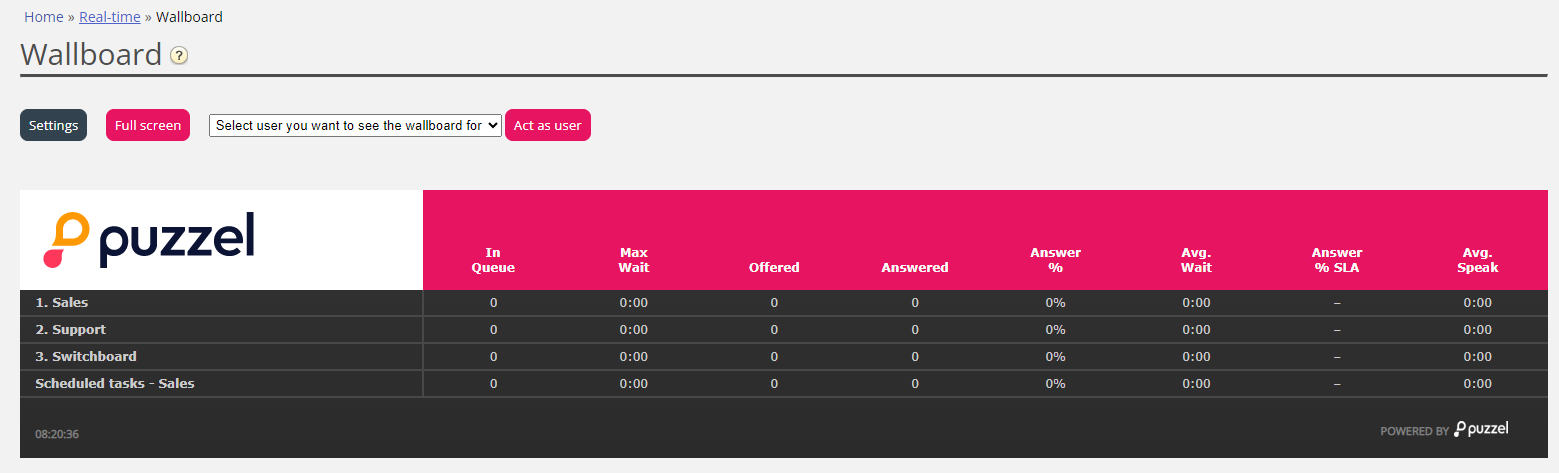
You can sign in with a Wallboard username and configure this users Wallboard by clicking Settings.
A user can deploy Wallboard settings on behalf of other users in the Wallboard area, if the Administration property Act as another user (wallboard) is turned on. If you have such access, choose the relevant (Wallboard) user you want to configure a Wallboard for (e.g. Wallboard support), click Act as user, and then click Settings to configure this user's Wallboard.

To see the wallboard in the full screen mode, just click on the Full screen button.
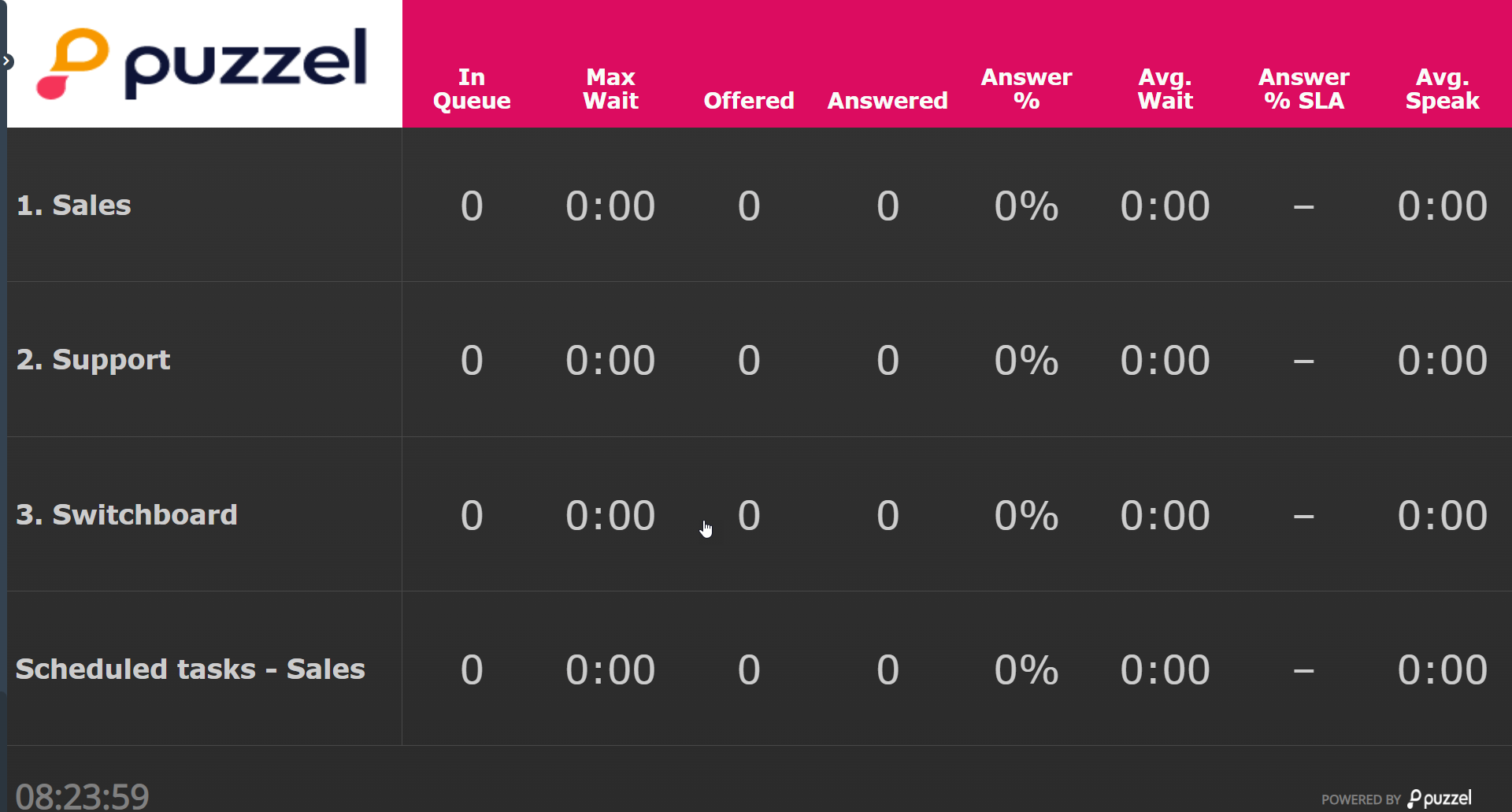
Queue Wallboard
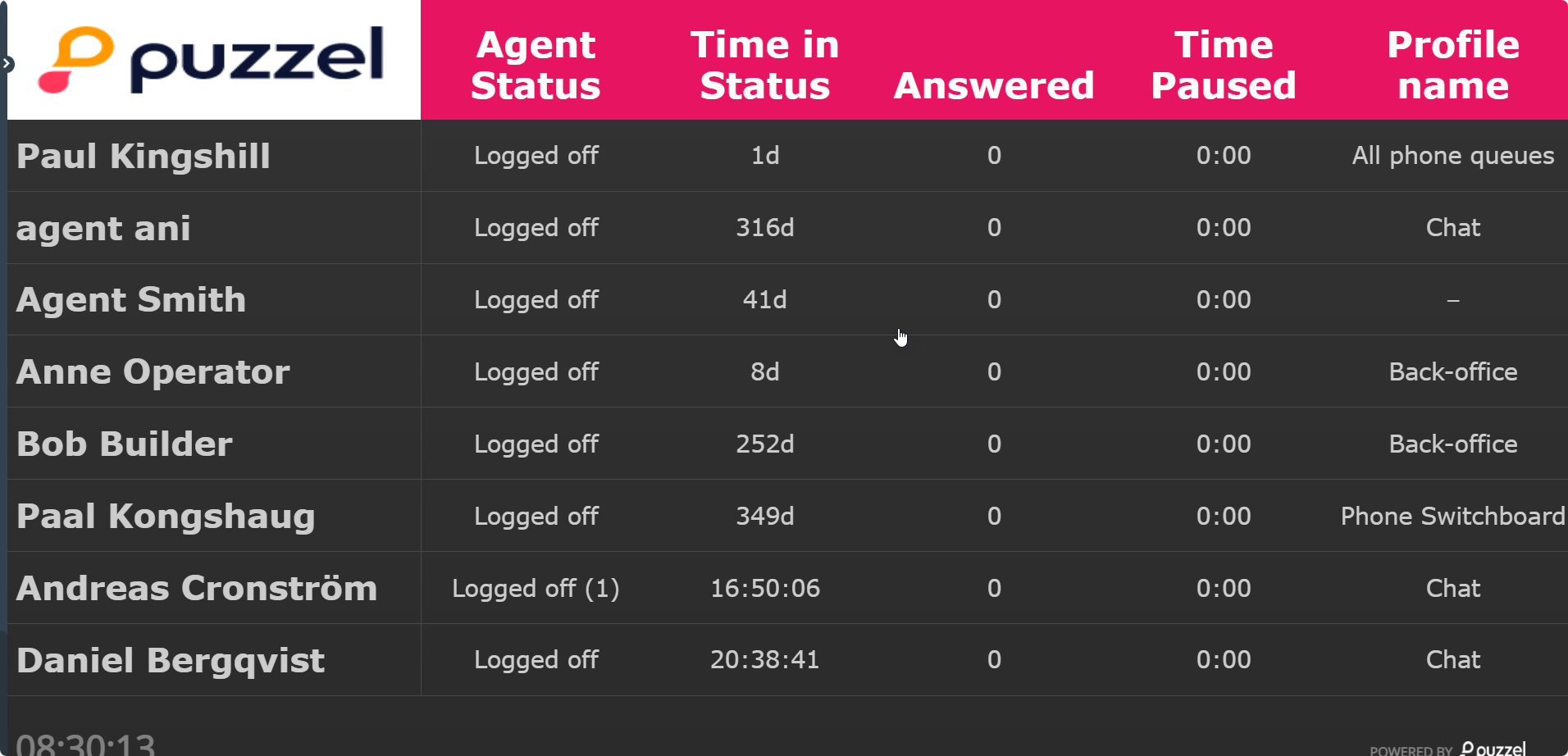
Agent Wallboard