Forecasting
The Forecast Calendar
When the Forecast module is selected you will be presented with 2 possible screens depending on if a forecast has already been created for the current week and if you have already used the forecasting module. The system will remember your last campaign selection. The Campaign can be changed by clicking within the field, the date can also be changed by clicking within the date field. Colours can be seen within the calendar that show the status of the weeks on view.
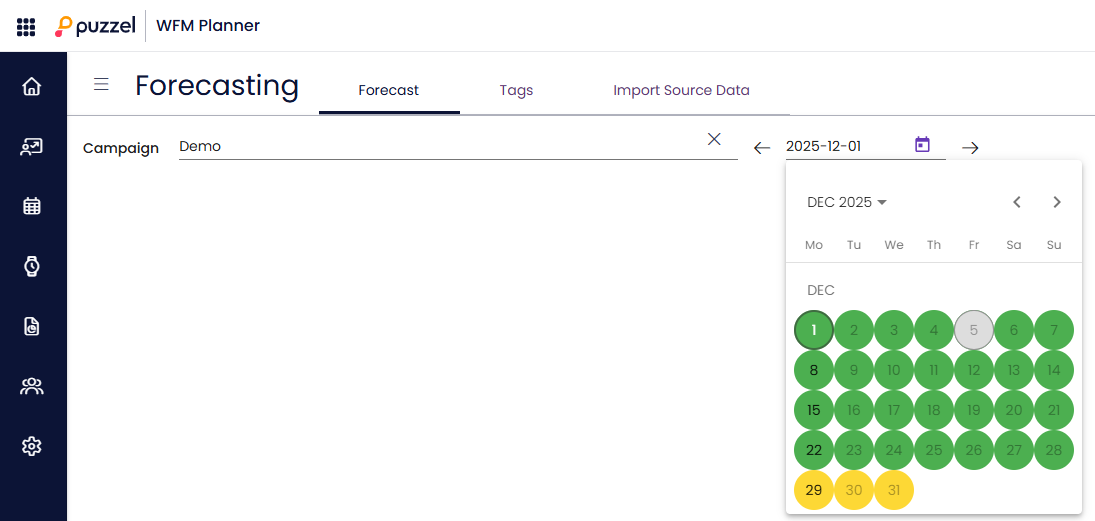
Weeks are colour coded as:
Red – No forecast exists
Orange – A forecast exists, no schedule has been created
Yellow – A forecast exists, a schedule has been created.
Green – A forecast exists, a schedule has been created and published.
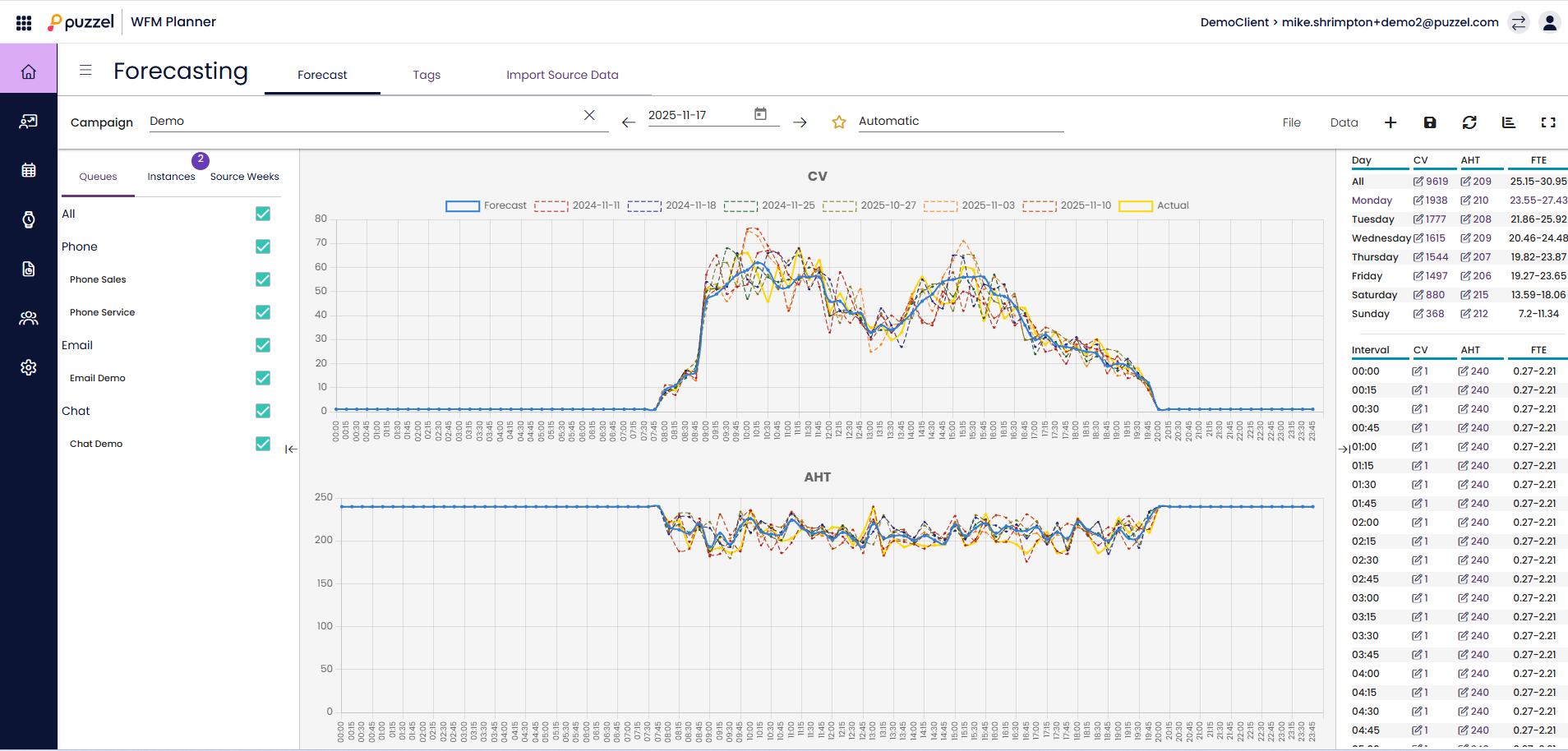
Clicking on any week that has an active forecast will load that forecast instance
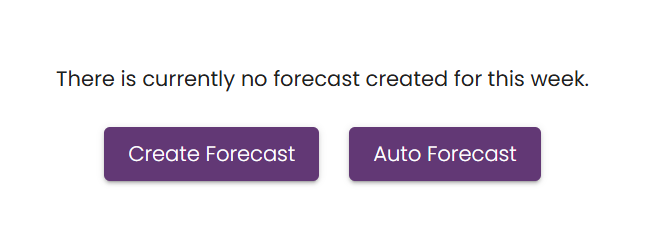
Clicking on a week that has no active forecast will show you options for creating a forecast instance