Creating users manually
To create a user or a supervisor,
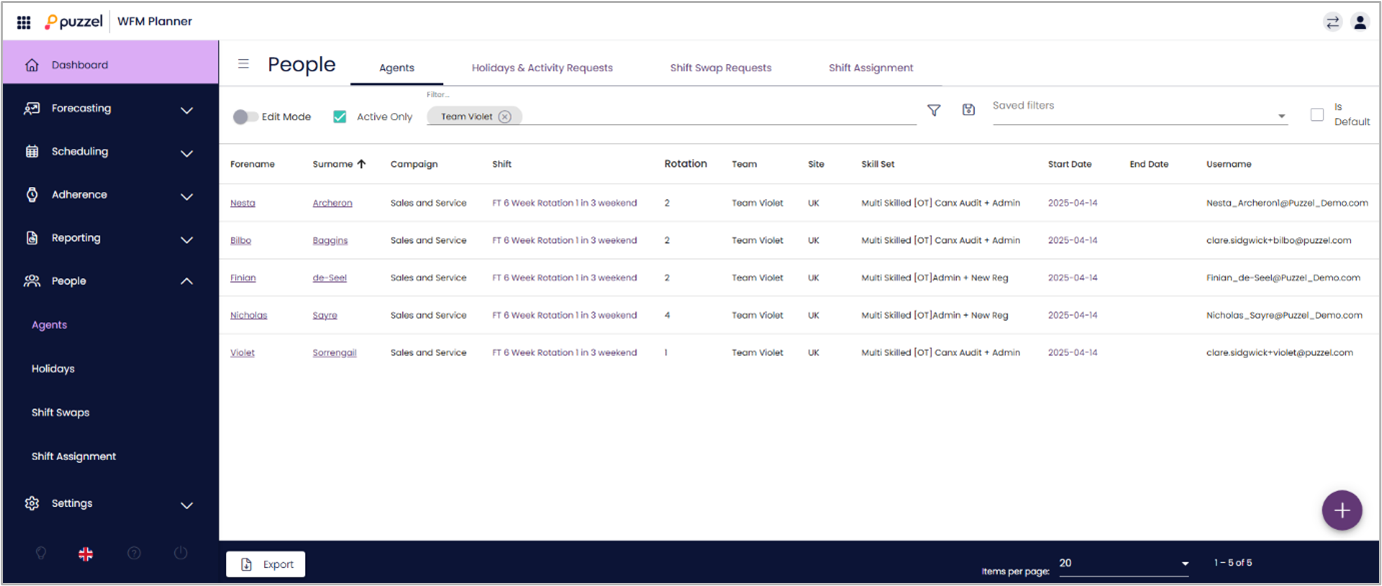
You need to go to People -> Agents option in the left menu. This will display all the users in the system.
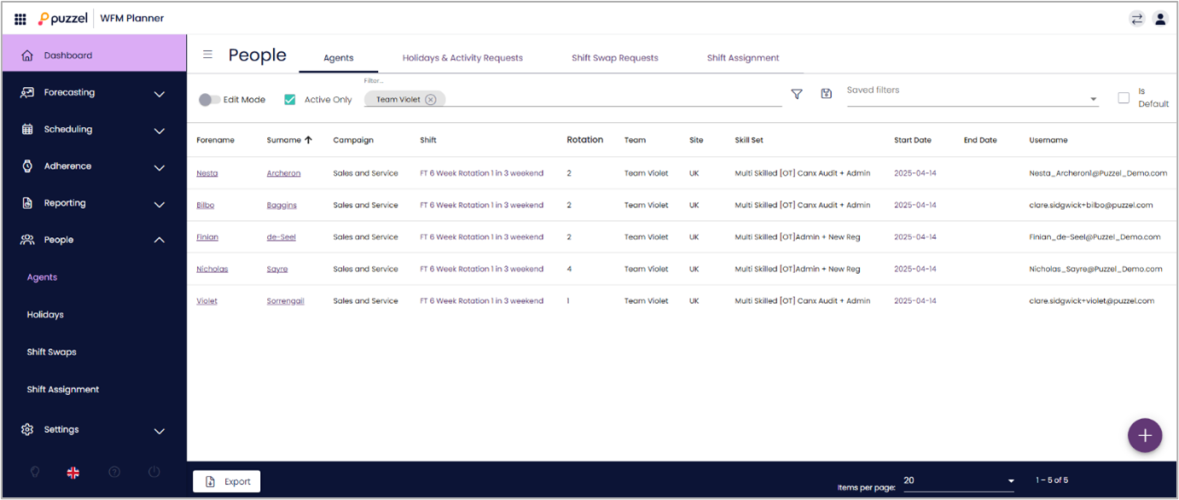
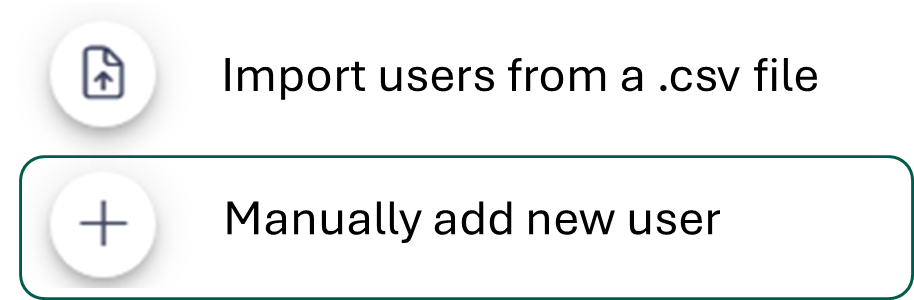
Click on the + sign on the bottom right corner of the screen.
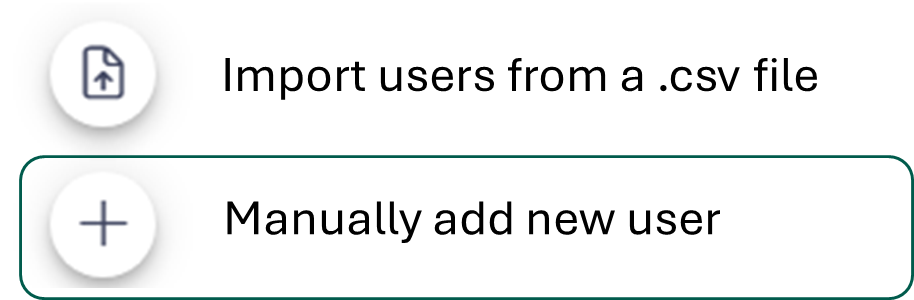
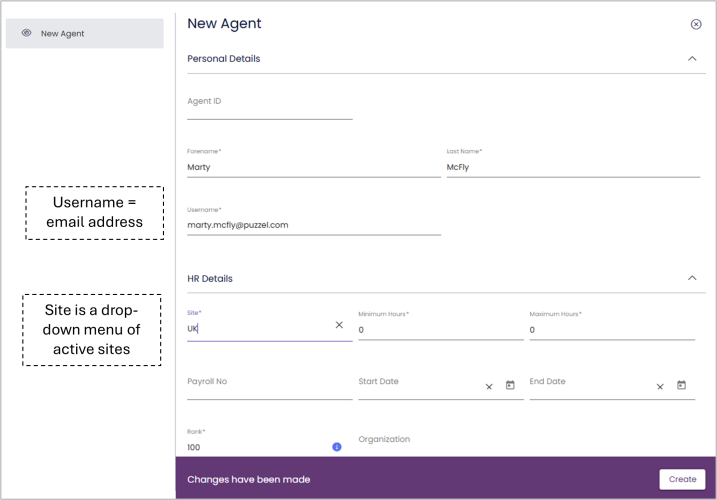
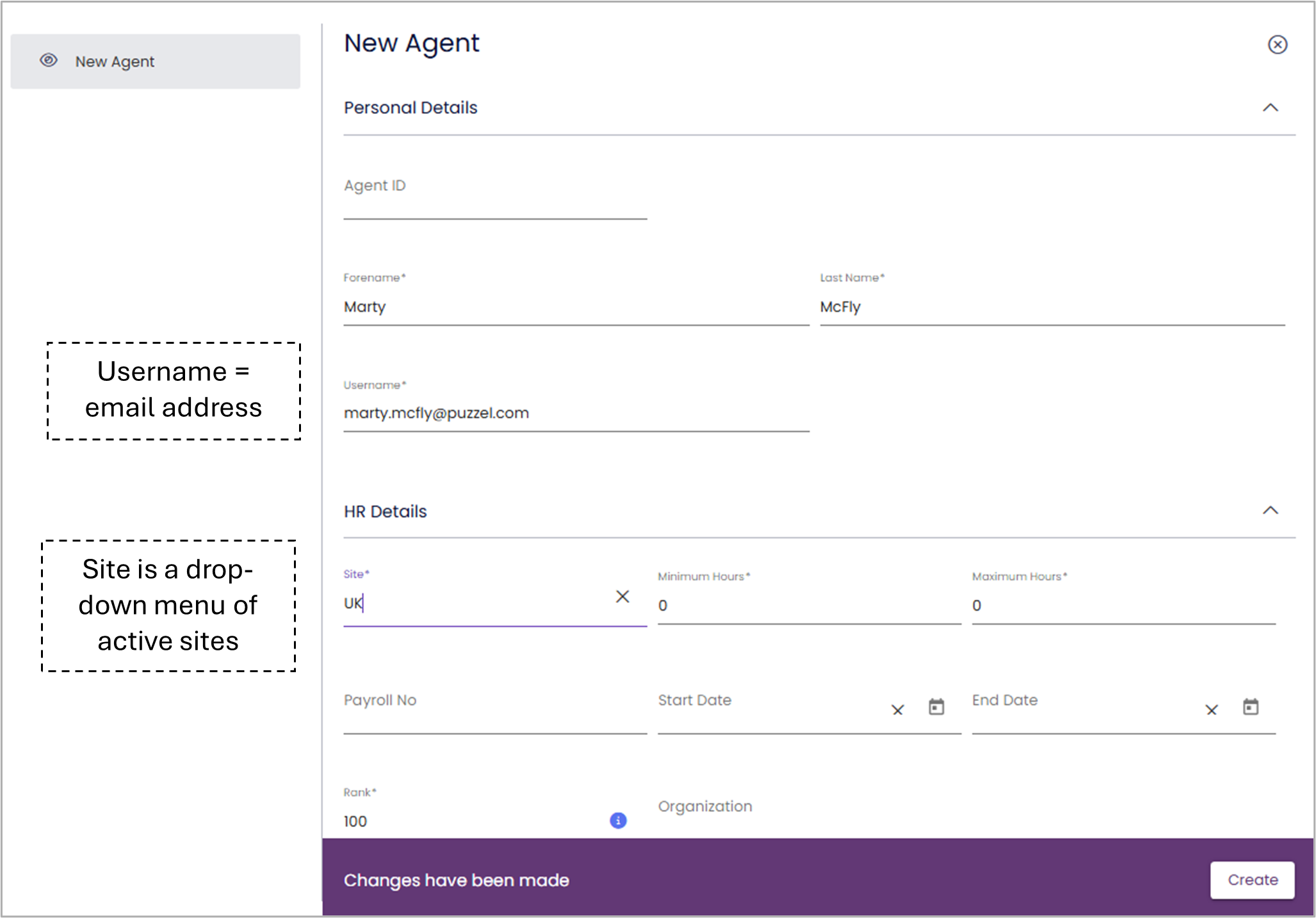
If you are manually adding the user, it opens up a form for you to fill in the user details. There are four mandatory details first name, last name, username and site, to be entered. Once you have entered all the necessary details, click on Create.